
Compress Image to Online100KB
The 100KB threshold is the sweet spot for most web applications. Images at this size load instantly on any connection while maintaining excellent visual quality. Perfect for profile photos, email attachments, and content management systems with upload restrictions.
appsRelated Tools
Pre-configured for 100KB
Just upload your images — they will automatically compress to under 100KB
Drop Images to Compress to 100KB
or click to browse your files
Smart compression • Up to 50MB/file • Local Processing
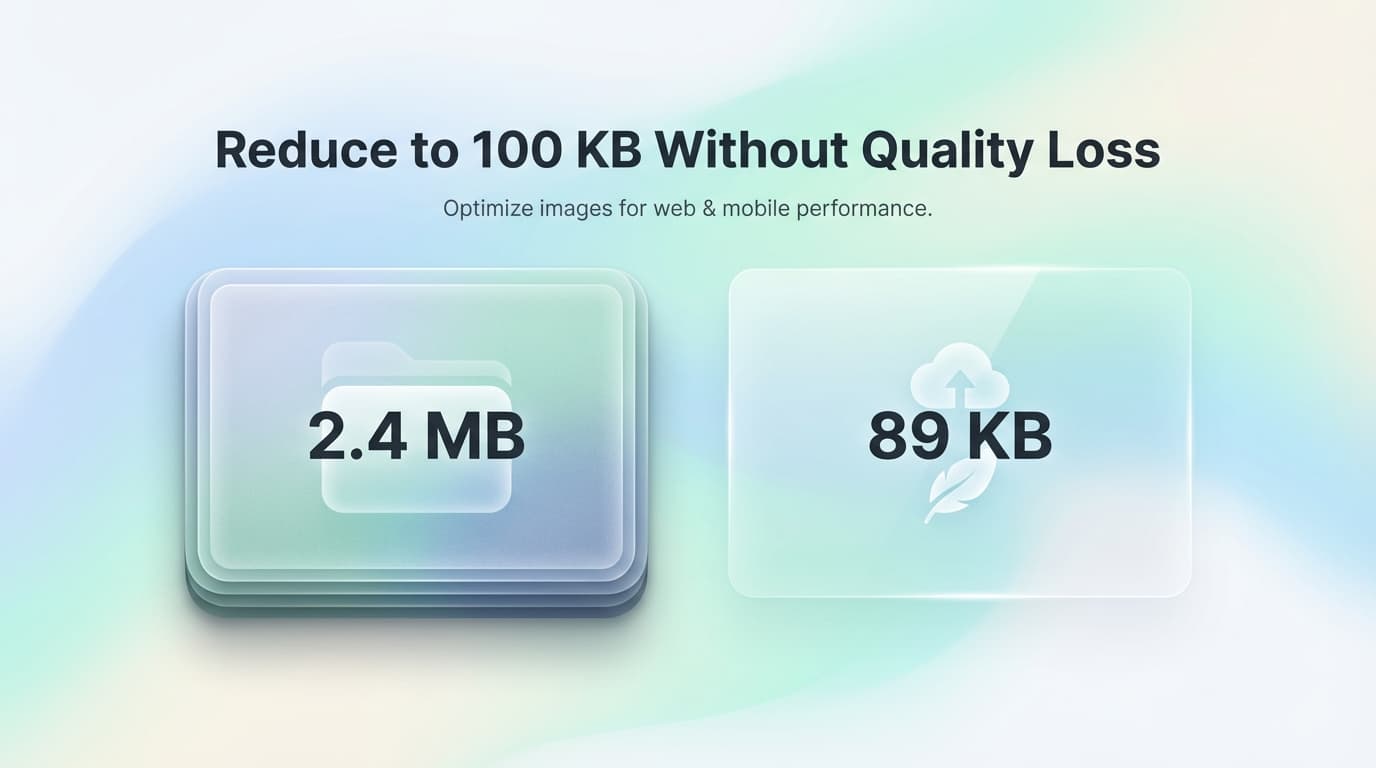
✨ Compress images to exactly 100KB with our free online tool
When to Use 100KB Images
- check_circleProfile pictures for LinkedIn, forums, and social platforms
- check_circleEmail attachments that won't clog inboxes
- check_circleWordPress and CMS featured image uploads
- check_circleOnline form photo attachments
- check_circleE-commerce product thumbnails
- check_circleNewsletter and email marketing images
Frequently Asked Questions: 100KB Compression
Is 100KB enough quality for profile photos?expand_more
Absolutely. A 100KB JPEG can easily accommodate a 500x500 pixel image at high quality. Most social platforms actually recommend staying under 100KB for faster loading and display optimization.
How many 100KB images can I send in one email?expand_more
Most email providers allow 20-25MB of attachments. That means you can include 200+ images at 100KB each in a single email without hitting limits.
Will 100KB images look good on retina displays?expand_more
For thumbnails and profile photos, yes. For hero images or full-screen displays, you may want a larger file size like 200KB or 500KB to maintain sharpness on high-DPI screens.