
Compress Images to 100KB
Reduce JPG, PNG, WebP size by up to 80% without quality loss.
Files processed instantly in browser. No server uploads.
appsRelated Tools
Drag & Drop Images
or click to browse your files
Smart compression • Up to 50MB/file • Local Processing
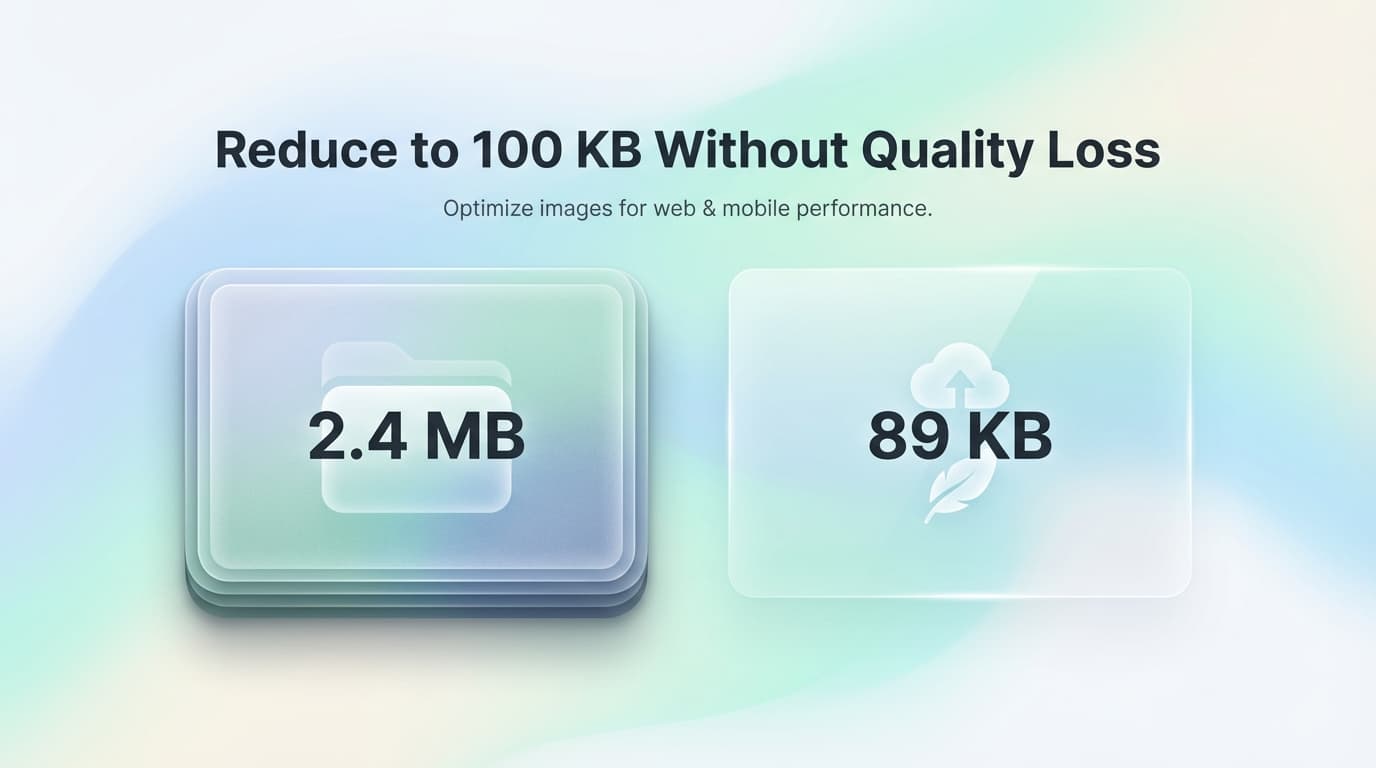
✨ Compress images up to 90% smaller with our free online tool
No Server Uploads
Images are processed entirely in your browser using WebAssembly. Files never touch external servers — your data stays on your device.
Instant Processing
WebAssembly-powered compression runs at near-native speed. Most images compress in under 2 seconds, even on mobile devices.
Perceptual Compression
Smart algorithms prioritize visible detail. Reduce file size by 50-80% while maintaining quality indistinguishable from the original.
Batch + ZIP Download
Upload hundreds of images at once. Download individually or as a single ZIP archive for bulk website optimization.
Need a Specific File Size?
Compress images to exact size limits for forms, uploads, and applications. One-click compression with pre-configured settings.
Compress Images for Websites, Email, and Applications
Select your images
Drag and drop your JPG, PNG, or WebP files into the box above, or click to browse your folders.
Wait for compression
Our tool automatically analyzes and compresses your images to the optimal size.
Download & Save
Download each image individually or save them all at once as a ZIP archive.
Enjoy faster loading
Use your optimized images on your website to improve SEO and loading speeds.
Why is image compression important?
Large image files are one of the main reasons for slow websites. Compressing your images reduces the amount of data your visitors need to download, leading to faster page load times, better user experience, and improved search engine rankings. Our Ultra-Fast Image Compressor ensures you get the smallest possible file size without noticeable quality loss.
Supported Formats
- check_circleJPEG / JPG
- check_circlePNG (Transparent)
- check_circleWebP (Modern Format)
- check_circleGIF (Coming Soon)
Frequently Asked Questions
How do I compress an image to under 100KB?expand_more
Upload your image and use the quality slider to adjust compression level. Most images reach under 100KB at 60-70% quality with no visible difference.
What formats does the compressor support?expand_more
JPEG/JPG, PNG (including transparency), and WebP. These cover 99% of web images. GIF support is coming soon.
Is this tool safe for confidential images?expand_more
Yes. All compression runs locally in your browser using WebAssembly. No images are ever uploaded to external servers. Your files stay on your device.
Can I compress images for job applications or LinkedIn?expand_more
Absolutely. Most application portals require images under 1MB or 2MB. This tool easily gets photos below those limits while maintaining professional quality.
How does browser-based compression work?expand_more
We use WebAssembly to run native-speed compression algorithms directly in your browser. No server round-trips means faster processing and complete privacy.
Will my images be watermarked?expand_more
Never. Your compressed images are exactly as you uploaded them, just smaller. No watermarks, no modifications, no catch.